Get Started With FAQ 201
Here's how to use the FOREO FAQ 201 RGB LED mask.

Video Summary
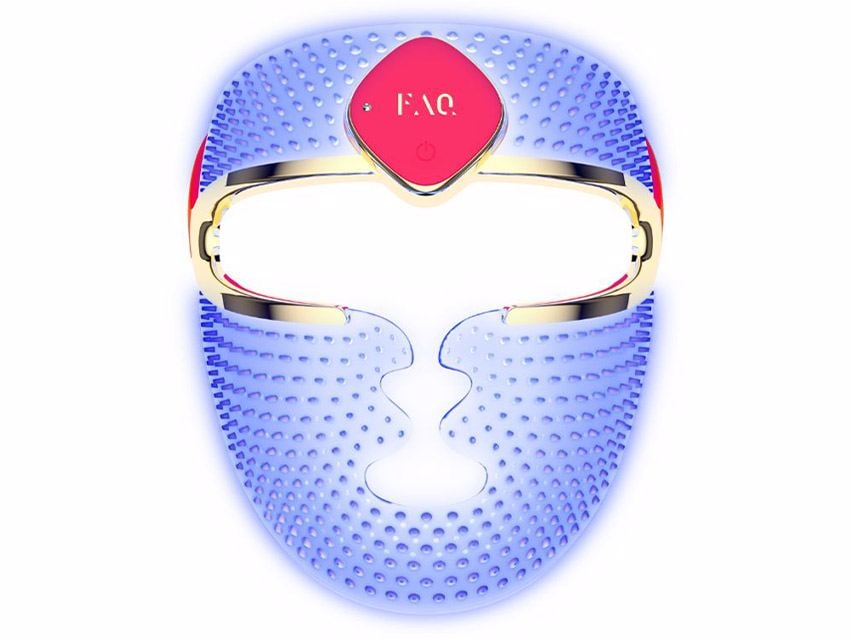
The FOREO FAQ 201 Silicone LED Face Mask addresses signs of aging, acne and dullness.
To use this skin care device from FOREO, simply secure the mask to your face and press the universal button to turn it on. This activates the red light (650nm), which combats signs of aging for a more youthful look. A second press activates the blue light (420nm), which helps reduce the appearance of blemishes. A third press switches to green light (519nm) to help brighten a dull complexion and even skin tone. After a full fifteen-minute treatment, the device will automatically turn off. You can also press and hold the universal button to manually turn off the device.







Comments